Medically Reviewed
Dr. Jose Rossello, MD, PhD, MHCM
Preventive Medicine & Public Health Specialist
Last Reviewed: June 22, 2026
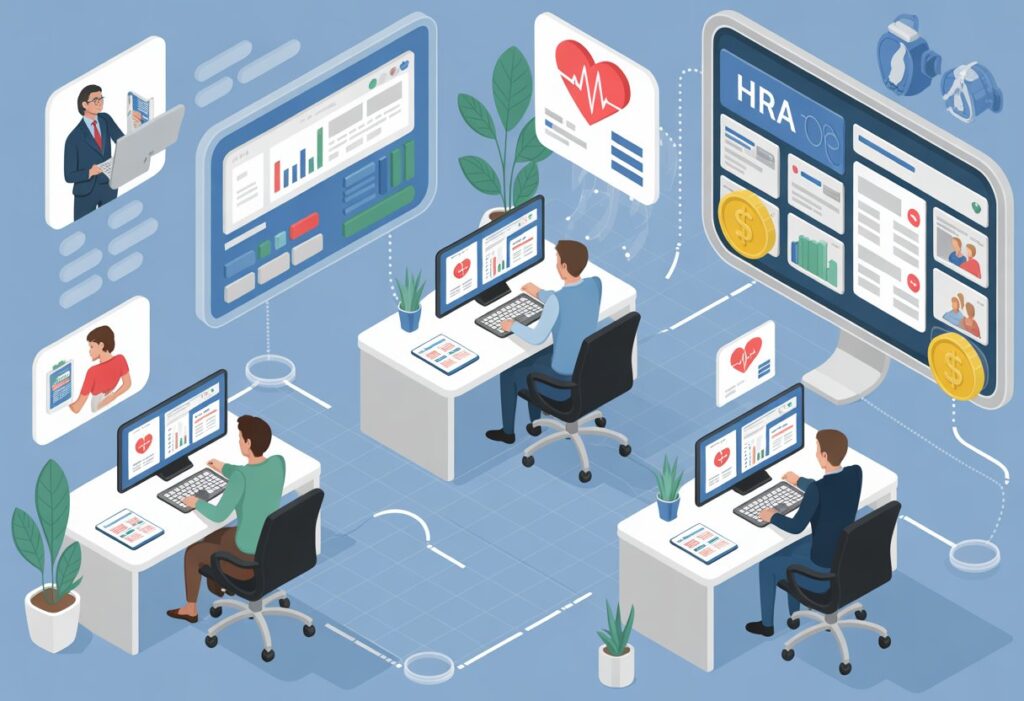
Managing employee healthcare costs doesn’t have to be complicated. A health reimbursement arrangement offers employers a tax-advantaged way to help workers pay for medical expenses while keeping budgets predictable. Modern HRA platforms now combine intuitive technology with flexible plan designs to make administration easier for employers and reimbursement faster for employees.
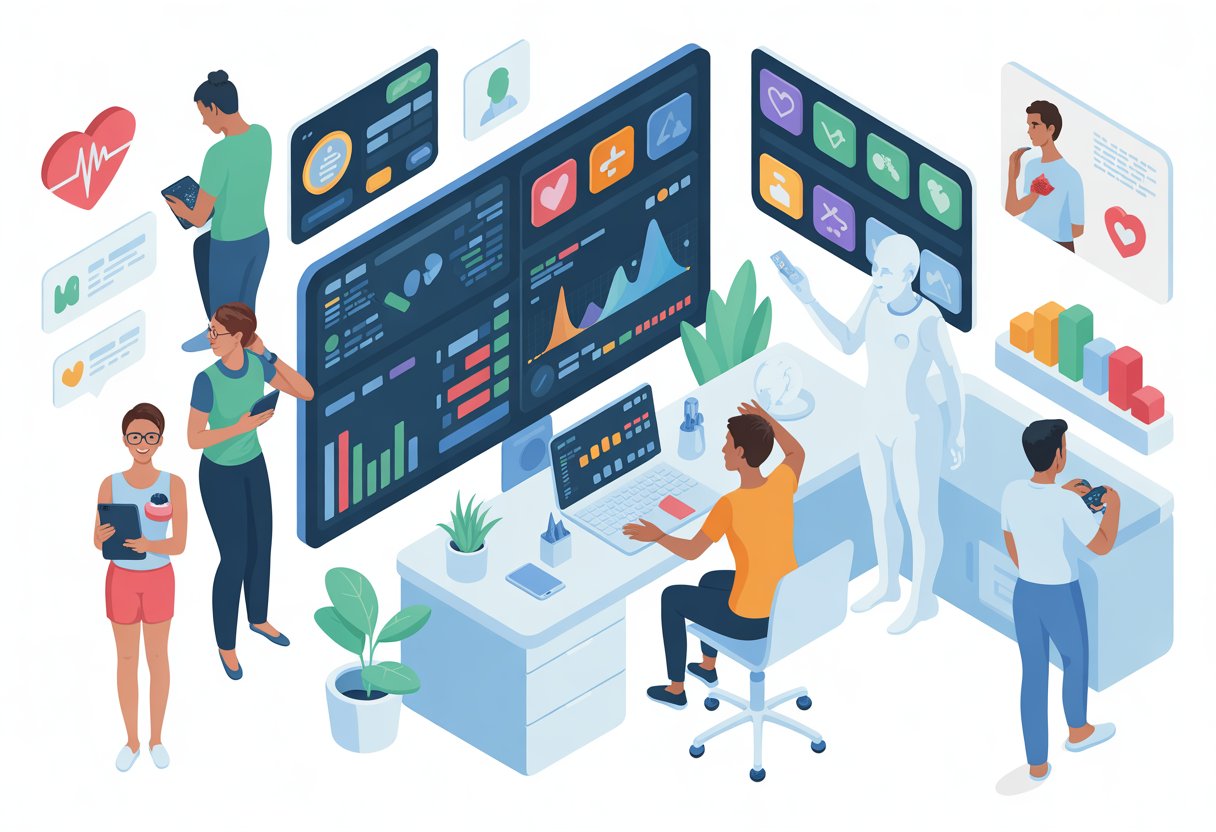
The right tools can transform how companies deliver health benefits. Digital HRA platforms provide automated claims processing, secure payment methods, and real-time reporting that reduce administrative burden. These systems integrate with existing payroll and HR software to streamline enrollment and ensure compliance with changing regulations.
Choosing an HRA vendor requires understanding what features matter most for a specific organization. Company size, preferred plan types, technology needs, and support requirements all shape which platform delivers the best value. The tools available in 2026 offer more customization and better user experiences than ever before.
Table of Contents
Key Takeaways
- HRAs provide tax-free employer funding for qualified medical expenses with flexible plan designs for different business needs
- Modern HRA platforms automate claims processing, integrate with payroll systems, and simplify compliance management
- Selecting the right HRA vendor depends on company size, technology preferences, and the level of employee support required
Understanding Health Reimbursement Arrangements
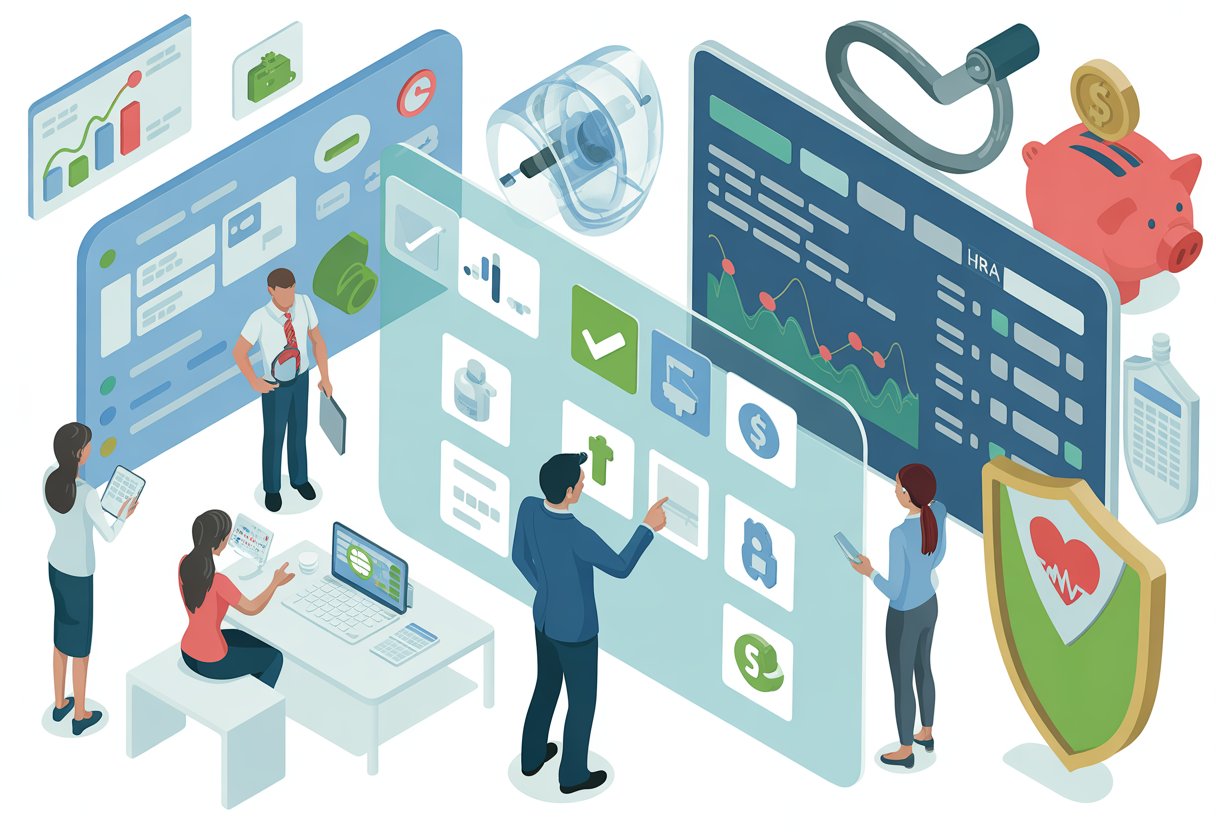
Health reimbursement arrangements allow employers to fund tax-free accounts that employees use to pay for medical costs. These employer-owned plans operate with pre-tax dollars and follow specific rules about what expenses qualify for reimbursement.
What Is an HRA?
A health reimbursement arrangement is an employer-funded account that reimburses employees for qualified medical expenses. The employer owns and controls the HRA, deciding how much money to contribute each year.
Employees cannot fund their own HRAs. Only the employer adds money to these accounts. Workers then submit receipts for approved medical costs to receive reimbursement from their HRA balance.
Different types of HRAs serve different purposes. Some HRAs work alongside group health plans, while others help employees buy individual health insurance coverage. The individual coverage HRA requires employees to have individual health insurance or Medicare coverage to participate.
Tax-Advantaged Benefits for Employers and Employees
HRAs provide tax benefits to both companies and workers. Employers fund these accounts with pre-tax dollars, which reduces their taxable income. They do not pay payroll taxes on HRA contributions.
Employees receive tax-free reimbursement for their medical expenses. The money they get back from their HRA does not count as taxable income. This makes HRAs more valuable than regular salary increases.
Workers keep their full reimbursement amount without losing any to federal or state taxes. The tax savings apply whether employees use their HRA for monthly premiums or other out-of-pocket expenses.
Qualified Medical Expenses and Reimbursement Rules
Qualified medical expenses include costs that the IRS allows for tax-free reimbursement. Common eligible expenses are:
- Health insurance premiums
- Doctor visits and specialist appointments
- Prescription medications
- Dental and vision care
- Laboratory tests and X-rays
- Medical equipment and supplies
The employer sets the specific reimbursement rules for their HRA. They choose which qualified medical expenses their plan will cover. Some employers limit reimbursements to insurance premiums only, while others allow a broader range of medical costs.
Employees must provide documentation to receive their hra reimbursement. They submit receipts or proof of payment that shows the expense date, provider, and amount. The employer or their administrator reviews these claims before approving payment.
Key Types of HRA Options
Employers can choose from several HRA structures depending on their company size, workforce needs, and budget goals. Each type comes with specific rules about who qualifies, what expenses are covered, and how much employers can contribute.
Individual Coverage HRA (ICHRA)
The Individual Coverage HRA allows employers of any size to reimburse employees for individual health plans and medical expenses. This arrangement became available in January 2020 and has no maximum contribution limits set by the government.
Employers can organize workers into different classes based on factors like full-time versus part-time status or geographic location. Each class can receive different allowance amounts. Employees must have individual health coverage that meets minimum essential coverage requirements to participate.
Eligible plans for ICHRA reimbursement include:
- Bronze, Silver, and Gold marketplace plans
- Medicare Part A, B, or C
- Catastrophic plans for those under 30
- Student health insurance plans
The ICHRA does not allow reimbursement for coverage under a spouse’s or parent’s plan. Employees keep their individual health plans even if they change jobs, which gives them more control over their healthcare choices.
Qualified Small Employer HRA (QSEHRA)
The QSEHRA is designed for small businesses with fewer than 50 full-time employees. It lets employers reimburse workers for individual health insurance premiums and qualified medical expenses with annual contribution limits set by the IRS.
This HRA type became available in 2017 through the 21st Century Cures Act. For 2026, the government sets maximum reimbursement amounts that employers cannot exceed. All full-time employees must be offered the same benefit, though employers can adjust amounts based on family size.
QSEHRA accepts a wider range of health plans than ICHRA. Employees can get reimbursed for coverage under a spouse’s plan or a parent’s plan if they qualify as dependents. The plan must meet minimum essential coverage standards.
Employees who receive QSEHRA reimbursements may need to reduce their premium tax credits if they purchase coverage through the health insurance marketplace.
Excepted Benefit HRA (EBHRA)
An excepted benefit HRA works alongside a group health plan to cover additional medical costs. Employers must offer traditional group coverage to make employees eligible for this arrangement.
The EBHRA has an annual cap set by the IRS and cannot be used to purchase individual health plans. Instead, it reimburses expenses like:
- Vision care and eyeglasses
- Dental services
- Copayments and coinsurance
- Short-term insurance premiums
This type serves as a supplement rather than a standalone benefit. Employees get help with out-of-pocket costs that their group health plan doesn’t fully cover. The contribution limits are much lower than ICHRA or QSEHRA.
Integrated and Retiree HRAs
An integrated HRA pairs with traditional group health plan coverage to help employees pay deductibles, copays, and coinsurance. The employer establishes both the group insurance and the HRA, which work together as a complete benefits package.
These arrangements reduce the financial burden of high-deductible health plans. Employees submit claims for qualified medical expenses after their group plan processes the initial charges.
A retiree-only HRA provides benefits exclusively to former employees who have left the company. Employers can help retirees pay for Medicare premiums, supplemental insurance, or medical expenses. This arrangement requires no active employee participation.
Companies with fewer than 20 employees can set up Medicare HRAs to reimburse Medicare supplement premiums for eligible workers. Both retiree and Medicare options give employers ways to support workers beyond active employment.
Plan Design and Customization
HRA plans give employers control over how they structure health benefits and what expenses they will cover. Companies can set specific funding amounts and choose which medical costs qualify for reimbursement under their plan.
Customizable Benefit Structures
HRAs offer customization options that allow employers to create different benefit packages for various employee groups. Companies can establish separate plans for full-time versus part-time workers or adjust benefits based on job level or family status.
Employers design these structures by choosing reimbursement limits and determining which categories of healthcare expenses their plan will cover. Some businesses create tiered systems where employees at different levels receive different maximum reimbursement amounts. Others keep the structure simple with uniform benefits across all eligible workers.
The flexibility of HRA options means companies can align their health benefits with budget constraints while still providing meaningful support. Employers can modify their plans annually to reflect changing business needs or workforce demographics.
Employer-Funded Amounts and Restrictions
Employers decide how much money to dedicate each year to help employees pay for healthcare costs. Companies set a maximum reimbursement amount per employee or per family unit. These limits can range from a few hundred dollars to several thousand depending on the organization’s budget and goals.
Employers may place additional restrictions on their HRA plan beyond just dollar limits. Some organizations require employees to submit claims within specific timeframes or limit rollovers of unused funds. Others restrict reimbursements to expenses that exceed a certain threshold amount.
Companies also control whether unused HRA funds carry over to the next year or expire at the end of the plan period. This decision impacts how employees approach their healthcare spending throughout the year.
Defining Covered Expenses and Eligibility
Employers choose which healthcare expenses are eligible under their HRA plan. Most plans cover qualified medical expenses like doctor visits, prescription medications, and hospital services. Some employers extend coverage to dental and vision care while others keep their plans limited to medical costs only.
Common eligible expenses include:
- Deductibles and copayments
- Prescription drugs
- Medical equipment and supplies
- Individual health insurance premiums
- Preventive care services
Employers establish eligibility requirements that determine which workers can participate. These typically include employment status requirements like full-time versus part-time and waiting periods for new hires. Companies also specify whether the HRA covers just the employee or extends to spouses and dependents.
Setup and Onboarding for Employers and Employees
Employers need to complete specific administrative steps and provide proper documentation when implementing an HRA. The plan administrator handles setup tasks, creates onboarding materials, and maintains compliance with federal regulations.
Setting Up an HRA Plan
Employers must first decide when their HRA plan year will begin. A January 1 start date aligns with the individual market’s annual open enrollment period and matches when most health insurance deductibles reset. Mid-year start dates work for newly hired employees or when ending traditional group coverage.
The plan administrator determines contribution amounts for each employee class. Individual coverage HRAs have no minimum or maximum contribution requirements, giving employers flexibility in setting reimbursement levels.
Employers can offer HRAs to all employees or specific classes based on criteria like full-time or part-time status, salaried versus hourly positions, geographic location, or employees covered by collective bargaining agreements. Within each class, reimbursement amounts may vary by age (up to a 3:1 ratio) or number of dependents.
Applicable large employers face additional considerations when offering HRAs alongside traditional group plans. Class size minimums apply based on total workforce size to ensure proper separation between benefit types.
Onboarding Processes and Employee Education
The plan administrator must provide written notice to employees at least 90 days before each plan year begins. New employees receive this notice as soon as they become eligible to participate.
This written communication explains the HRA contribution amount, coverage start date, and how employees can use their reimbursement funds. Employees need this information to complete their Marketplace application and determine eligibility for premium tax credits.
Employees must have individual health insurance coverage to access HRA funds. Qualifying coverage includes Marketplace plans, private insurance policies, or Medicare Parts A and B (or Part C). Short-term plans and limited benefit coverage like dental-only or vision-only plans do not qualify.
The onboarding process includes giving employees the option to decline the HRA offer. This choice must be offered annually before the plan year starts or when first offered mid-year.
Documentation and Regulatory Compliance
HRA compliance requires maintaining specific records and meeting federal reporting requirements. The plan administrator keeps documentation of employee notices, opt-out elections, and reimbursement claims.
Employers must understand how their HRA offer affects employee eligibility for Marketplace premium tax credits. For 2026 plans, an HRA is considered affordable when the employee’s monthly cost for the lowest cost Silver plan (after HRA reimbursement) is less than 9.96% of their monthly household income.
Affordability determinations impact employee options:
- Affordable HRA offers make employees and their household members ineligible for premium tax credits, even if they decline the HRA
- Unaffordable HRA offers let employees choose between using the HRA or claiming premium tax credits, but not both
The plan administrator submits required information to the IRS and provides employees with necessary tax forms. Working with licensed tax professionals or benefits specialists helps ensure proper HRA plan administration and regulatory compliance.
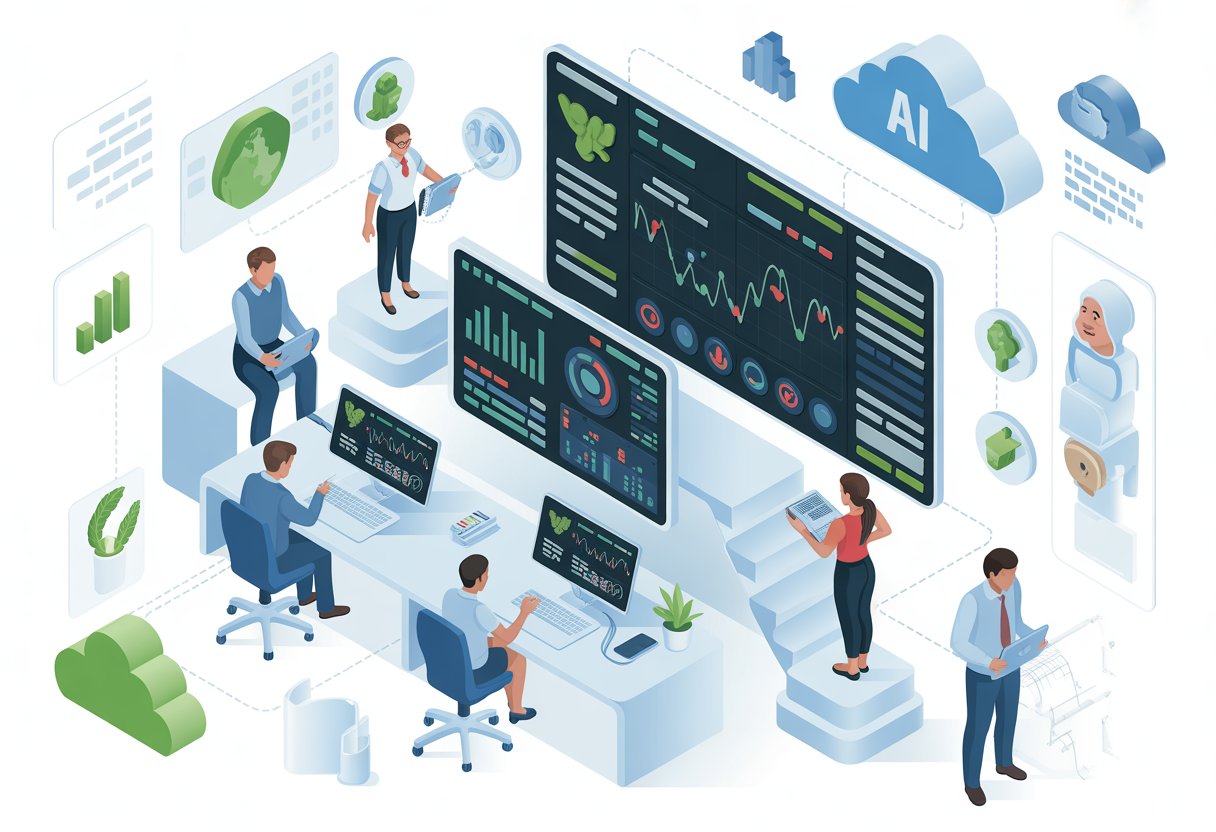
Today’s HRA platforms rely on digital tools that make managing health benefits faster and more secure. Employees can access their accounts through mobile devices while employers track reimbursements in real time.
Mobile Apps and Secure Portals
A mobile app gives employees instant access to their HRA accounts from anywhere. They can submit reimbursement requests, upload receipts, and check their remaining balances without waiting until they get to a computer. Most HRA administration platforms now offer both mobile and desktop options.
A secure portal protects sensitive medical information through encryption and password protection. HIPAA laws require that all health records stay private, so employees need a safe place to view their claims and personal data. The best platforms use multi-factor authentication to add an extra layer of security.
Online portals also give employers a central location to manage their entire HRA program. Administrators can review pending claims, generate reports, and adjust plan settings without handling paper files.
Online Enrollment and Account Management
Online enrollment eliminates the paperwork that used to slow down HRA setup. New employees can complete their enrollment forms digitally and choose their coverage options through guided questionnaires. The system automatically stores all documentation in one place.
Account management features let employees update their information whenever needed. They can change their address, add dependents, or modify their plan preferences through simple forms. Employees can track their claim history and download tax documents for year-end filing.
Employers benefit from dashboard views that show participation rates and spending trends. These tools help businesses make smart choices about their health benefit budgets for future years.
Push Notifications and User Experience
Push notifications keep employees informed about their claims without them having to check their accounts constantly. Users receive alerts when their reimbursement request gets approved or if additional documentation is needed. These instant updates reduce confusion and speed up the reimbursement process.
The user experience matters because complicated systems discourage employees from using their benefits. Modern platforms use clean layouts with clear buttons and simple navigation. Employees should be able to submit a claim in just a few taps or clicks.
Key features that improve user experience include:
- Search functions for finding specific claims quickly
- Photo upload tools for submitting receipts
- Help buttons that connect to support staff
- Progress bars showing claim status
Good design reduces the time employees spend managing their healthcare expenses and increases satisfaction with their benefits package.
Efficient Claims Processing and Reimbursement
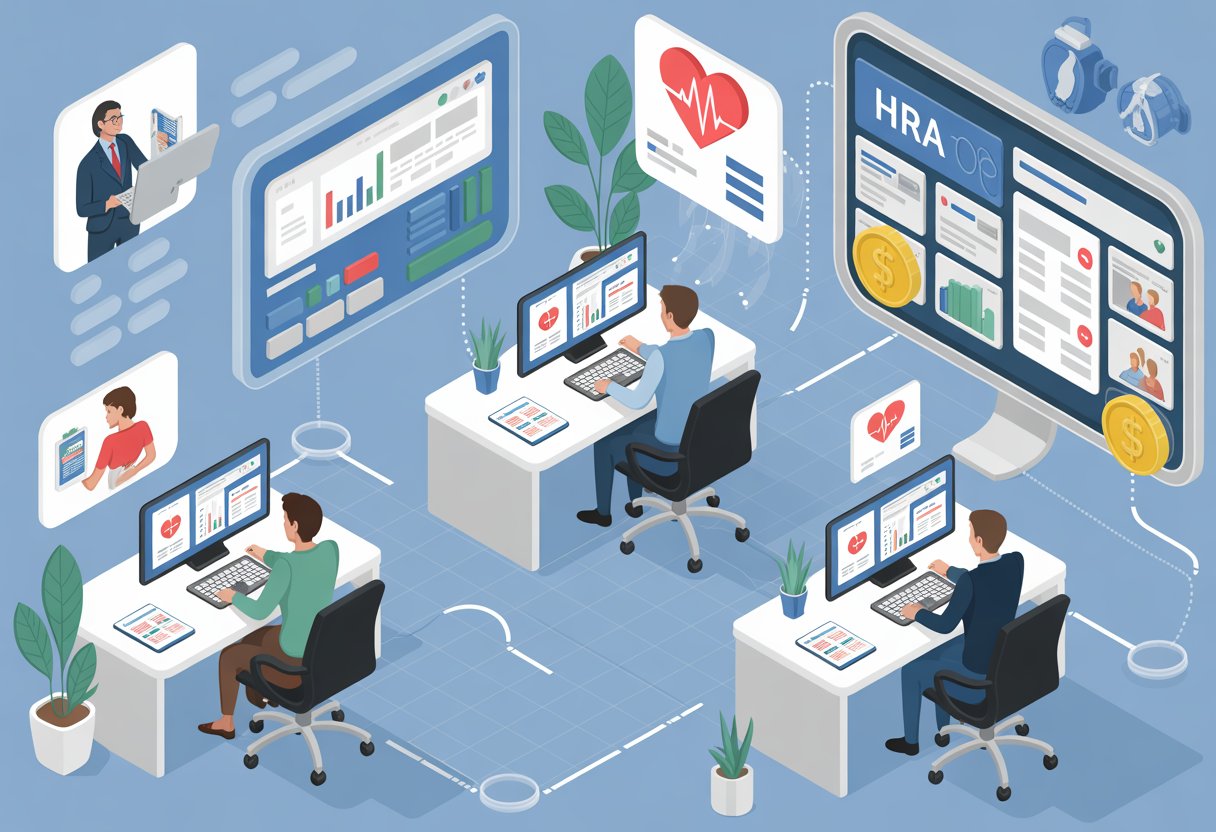
Modern HRA platforms automate the reimbursement process through digital claim submissions, electronic payments, and real-time expense validation. These features reduce administrative burden while ensuring employees receive their funds quickly and accurately.
Submitting and Managing Claims
Employees can submit claims through online portals or mobile apps by uploading receipts and documentation. The digital submission process eliminates paper forms and speeds up processing times.
Most HRA platforms allow employees to track their claim status in real time. They can see when claims are received, under review, or approved. This transparency reduces confusion and phone calls to HR departments.
The HRA administrator reviews submitted expenses to verify they qualify under IRS guidelines. Automated systems flag potential issues and route claims for quick approval. Employees receive notifications about their reimbursement decisions through email or app alerts.
Direct Deposit and Automated Payments
Direct deposit offers the fastest way for employees to receive their HRA reimbursement funds. Once a claim gets approved, money transfers directly to the employee’s bank account within a few business days.
Automated payment systems reduce the manual work involved in processing reimbursements. HR teams don’t need to write checks or handle cash transactions. The software manages the entire payment workflow from approval to fund transfer.
Some platforms also offer payment cards that employees can use for qualified medical expenses. These cards draw directly from their HRA balance and eliminate the need to submit claims for reimbursement later.
Validating and Tracking Expenses
HRA software validates expenses against IRS-approved categories to ensure compliance. The system checks that submitted expenses qualify as medical costs under federal guidelines. This automatic validation protects both employers and employees from potential tax issues.
Employees can access their expense history and remaining balances through their online accounts. They see how much they’ve been reimbursed and how much remains available for the year.
The platform maintains detailed records of all transactions for the required seven-year period. These digital records stay secure and accessible for audits or tax purposes. Employers can generate reports to monitor program usage and spending patterns across their workforce.
Compliance, Security, and Privacy Management
Smart HRA tools must protect sensitive health data while meeting strict federal regulations for tax-advantaged benefits. Plan administrators need systems that maintain HIPAA compliance, create detailed audit records, and handle IRS reporting requirements automatically.
HIPAA and PHI Protections
HRA platforms store and process protected health information (PHI), which requires strict security measures under HIPAA regulations. The software must encrypt PHI both in transit and at rest to prevent unauthorized access.
Business associate agreements (BAAs) establish legal responsibilities between the plan administrator and the HRA platform vendor. These agreements outline how the vendor will protect PHI and respond to security incidents.
Healthcare compliance software tools for 2026 help organizations centralize risk assessments and monitor access controls. Access permissions should follow the principle of least privilege, giving employees only the data they need to perform their jobs.
Modern HRA tools include features like automatic session timeouts, multi-factor authentication, and role-based access controls. These protections reduce the risk of data breaches that could expose employee health information.
Audit Trails and Recordkeeping
Complete audit trails track every action taken within the HRA system, including who accessed what information and when. This recordkeeping proves essential during compliance reviews and helps identify potential security issues.
The system should log activities such as:
- Employee enrollment and plan changes
- Claims submissions and approvals
- Administrator access to PHI
- System configuration modifications
- Failed login attempts
Plan administrators must retain these records for at least six years to meet federal requirements. The software should make it easy to retrieve and export audit data when regulators request documentation.
Benefits administration becomes simpler when the platform automatically generates compliance reports. Real-time visibility into safeguards helps organizations stay audit-ready rather than scrambling to gather evidence after receiving a notice.
IRS Reporting and Legal Disclosures
HRA platforms must generate accurate tax forms and reports that satisfy IRS requirements. The system should automatically track reimbursement amounts and produce necessary documentation for both employers and employees.
Plan administrators need tools that create required legal disclosures, including Summary Plan Descriptions and notices of HIPAA privacy practices. These documents explain employee rights and how their health information will be used.
The software should track contribution limits and flag potential violations before they occur. For 2026, the system must stay updated with current IRS maximum reimbursement amounts for different HRA types.
Integration with payroll systems ensures that pre-tax deductions and reimbursements flow correctly through accounting records. This connection reduces manual data entry errors that could trigger compliance issues during an audit.
Integrating HRA With Other Employer Benefits
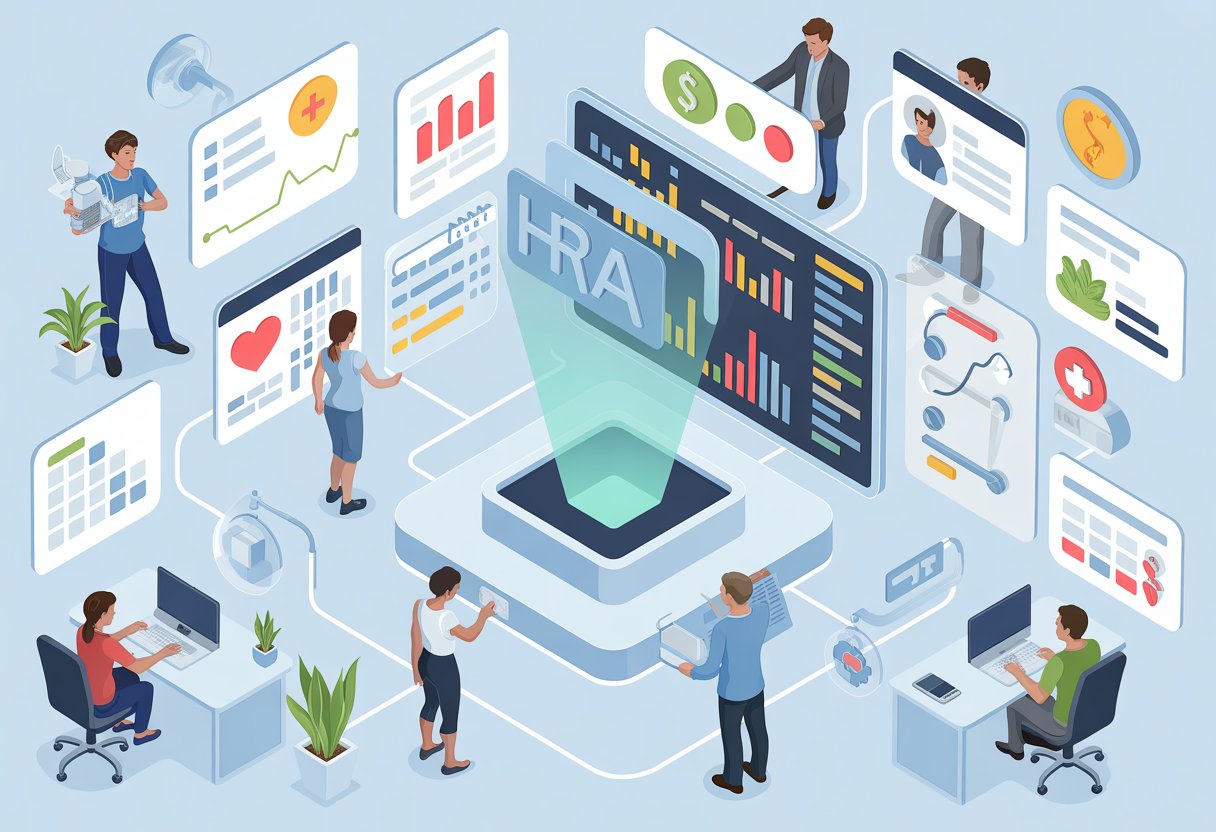
HRAs work alongside other employer-sponsored benefits to create a complete healthcare package. Companies can combine HRAs with savings accounts, insurance plans, and payroll systems to reduce costs and simplify administration.
Compatibility With HSA and FSA
An integrated HRA pairs with group health insurance to help employees pay for out-of-pocket medical costs. However, employers need to understand how HRAs interact with HSAs and FSAs to avoid tax penalties.
Employees cannot contribute to an HSA if they have an HRA that covers expenses before meeting their health plan deductible. The IRS considers this a disqualifying benefit. Companies can offer both benefits by designing the HRA to reimburse only specific expenses like dental or vision care.
FSAs and HRAs can exist together without restrictions. Employees may use their FSA funds first for immediate expenses and save HRA reimbursements for later in the year. Both accounts offer tax-free reimbursements for qualified medical expenses.
Key compatibility rules:
- Limited-purpose HRAs work with HSAs
- General-purpose HRAs disqualify HSA contributions
- FSAs complement HRAs without conflicts
- Employers must structure benefits carefully to maintain tax advantages
Coordination With Dental, Vision, and Wellness Plans
HRAs extend beyond basic medical coverage to include dental, vision, and wellness expenses. Employers design their reimbursement policies to fill gaps in standard insurance plans.
Many companies use HRAs to cover dental cleanings, orthodontics, eye exams, and prescription glasses. These expenses often come with high out-of-pocket costs under traditional insurance. The HRA reimburses employees after they pay for services.
Wellness programs integrate well with HRAs. Employers can reimburse gym memberships, fitness classes, smoking cessation programs, and weight loss services. This approach encourages healthier lifestyles while controlling healthcare costs.
Common integrated expenses:
- Dental procedures and cleanings
- Vision exams and corrective lenses
- Preventive care visits
- Fitness memberships
- Mental health services
Integrated Payroll and Benefits Systems
Modern HRA administration software connects with payroll platforms to streamline benefits management. This integration reduces manual data entry and improves accuracy across systems.
Payroll integration allows automatic updates when employees join or leave the company. The HRA platform pulls employee data directly from payroll records to maintain current eligibility information. This connection eliminates duplicate work for HR teams.
Benefits administration platforms centralize HRA management with other employee benefits. Workers access a single portal to view their HRA balance, submit claims, and check reimbursement status. The system tracks spending across all benefit accounts in one place.
Integration benefits:
- Reduced administrative time
- Fewer data entry errors
- Real-time eligibility updates
- Simplified employee experience
- Unified benefits reporting
Employee Advocacy and Support Services
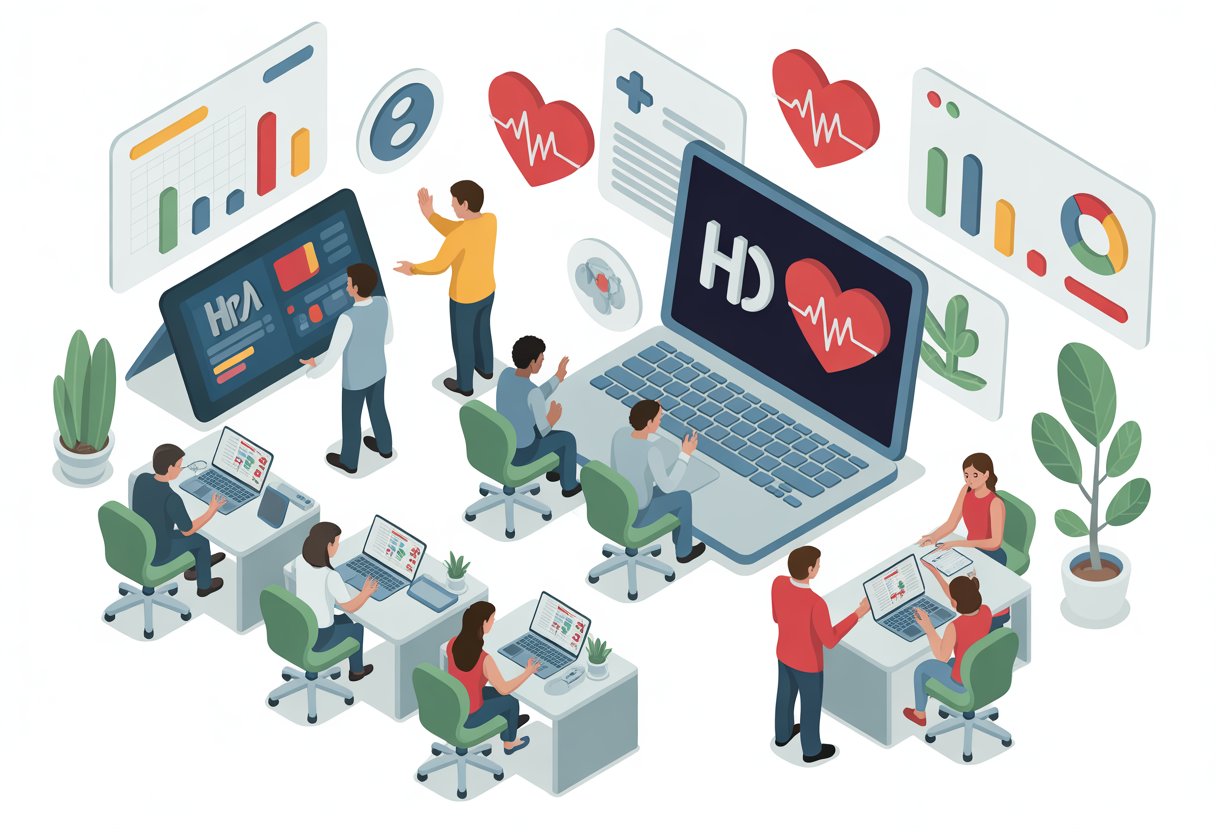
HRA administrators now offer dedicated support teams and digital tools that guide employees through complex benefit decisions. These services combine human expertise with technology to help workers understand their coverage options and resolve problems quickly.
Personalized Guidance for Employees
A benefit coach provides one-on-one support to help employees navigate their HRA options and make informed healthcare decisions. These specialists review individual circumstances like family size, medical needs, and budget to recommend appropriate coverage levels.
Many HRA platforms now include AI-powered assistants that deliver personalized plan comparisons and cost estimates based on employee data. The technology analyzes past claims, upcoming life events, and healthcare preferences to suggest suitable plans.
Virtual benefits assistants answer questions 24/7 about eligibility requirements, reimbursement processes, and contribution limits. These tools use simple language to explain complex terms without requiring employees to wait for business hours.
Common guidance areas include:
- FSA and HSA contribution recommendations
- Dependent coverage decisions
- Preventive care benefit explanations
- Tax advantage calculations
Resources for Health Plan Selection
Employees need clear information during open enrollment to compare different health plans effectively. Resources specifically for employees include comparison charts, decision-making worksheets, and educational videos that break down coverage differences.
Interactive tools let workers input their expected medical expenses to see which plan saves them the most money. These calculators factor in premiums, deductibles, copays, and employer contributions to show total annual costs.
Many administrators provide educational materials that explain:
- Network restrictions and provider access
- Out-of-pocket maximums and when they apply
- Prescription drug coverage tiers
- Telemedicine options and virtual care benefits
Side-by-side plan comparisons highlight key differences in coverage, costs, and features. These tools help employees quickly identify which options align with their healthcare needs and financial situation.
Resolving Employee Issues and Concerns
Employee advocacy services handle claim denials, billing errors, and coverage disputes on behalf of workers. Dedicated representatives contact insurance companies and medical providers to resolve problems that employees struggle to fix alone.
Support teams track issues from initial report through final resolution. They keep employees updated on progress and explain next steps in plain language. This approach reduces frustration and ensures problems get solved efficiently.
Common issues that advocates address:
- Denied reimbursement claims
- Incorrect eligibility determinations
- Missing payroll deductions
- Provider billing disputes
- Coverage gap confusion
Phone, email, and chat support channels give employees multiple ways to get help when questions arise. Quick response times and knowledgeable staff prevent small concerns from becoming major obstacles to using employee benefits effectively.
Best Practices for Ongoing Administration
Successful HRA programs require consistent attention to validation processes, active employee participation, and quick responses to regulatory updates. Plan administrators who establish clear routines for these tasks create more efficient and compliant benefits administration systems.
Monthly Validation and Reporting
Plan administrators should review reimbursement claims and financial data at least once per month. This regular check helps catch errors early and keeps the HRA compliant with IRS requirements.
Monthly tasks include verifying that all submitted expenses qualify under the plan documents and checking that reimbursement amounts stay within employee allowances. Administrators need to track which employees have used their benefits and how much remains in each account.
Key monthly reporting activities:
- Review all processed reimbursements for accuracy
- Generate expense reports by category and employee
- Monitor total HRA spending against budget
- Document any claim denials or appeals
- Update employee account balances
Benefits administration becomes more efficient when teams use standardized checklists for these monthly reviews. This reduces the chance of missing important steps and creates a clear audit trail.
Employee Engagement and Education
Employees get more value from their HRA when they understand how it works. Plan administrators should provide clear information about eligible expenses, submission processes, and reimbursement timelines.
Regular communication helps employees remember their benefits exist. Many workers forget about their HRA or assume certain expenses don’t qualify when they actually do.
Effective engagement methods include:
- Quarterly email reminders about available balances
- Simple guides showing common eligible expenses
- Quick-start videos for new enrollees
- FAQ documents addressing typical questions
- Direct support channels for complex situations
The best HRA administration software includes employee portals where workers can check balances and submit claims without contacting administrators directly. This self-service approach reduces administrative workload while giving employees faster access to their benefits.
Adapting to Regulatory and Workforce Changes
Healthcare regulations change frequently. Plan administrators must stay informed about new IRS guidance, HIPAA updates, and state-level insurance requirements that affect HRA administration.
When regulations change, administrators need to update plan documents, adjust reimbursement processes, and inform employees about modifications. The IRS requires businesses to maintain employee records for seven years, so documentation systems must accommodate long-term storage needs.
Workforce changes also require administrative adjustments. When employees join or leave the company, administrators must handle enrollment or termination procedures correctly. Part-time workers may have different eligibility rules than full-time staff.
Administrators should review their HRA policies annually to confirm they still match business needs and employee demographics. A comparison of popular HRA administrators shows that different platforms offer varying levels of compliance support and update management.
Future Trends in Digital Health Benefit Management
AI and automation are transforming how HRA tools work, while improved integration helps platforms scale to meet growing demands. Remote work has pushed digital health benefits to support employees across different locations and life situations.
AI and Automation in HRA Tools
Artificial intelligence is changing how HRA administration handles everyday tasks. Automated systems now process claims faster and catch errors before they become problems. These tools can analyze employee health data to suggest the best insurance plans based on individual needs and budgets.
Machine learning helps predict future healthcare costs more accurately. This allows employers to set realistic HRA allowances and helps employees plan their healthcare spending. AI-powered chatbots answer common questions about coverage and eligible expenses without waiting for human support staff.
Smart algorithms can also identify which employees might benefit from preventive care programs. The technology spots patterns in health data and sends personalized recommendations through a mobile app or email. This proactive approach helps people address health issues before they become serious and expensive.
Expanding Integration and Scalability
HRA vendors are working together to solve infrastructure challenges that have limited widespread adoption. Better integration between insurance carriers, payment processors, and benefits platforms makes HRA administration smoother for everyone involved.
Modern platforms connect directly with individual insurance marketplaces. Employees can compare plans, enroll in coverage, and submit expenses all through one online portal. This eliminates the need to juggle multiple websites and login credentials.
Scalability improvements mean HRA tools now work just as well for large enterprises as they do for small businesses. Cloud-based systems handle thousands of users without slowing down or crashing during peak enrollment periods.
Supporting Remote and Diverse Workforces
Digital health tools have become essential for companies with employees spread across different states or countries. A centralized online portal gives everyone access to the same benefits information regardless of location.
Mobile apps let workers manage their HRA accounts from anywhere. Employees can photograph receipts, submit reimbursement requests, and check their remaining allowance while traveling or working from home.
Digital health platforms now support multiple languages and accommodate various time zones. This helps companies provide consistent benefits to diverse teams. Wearable device integration and telehealth options give remote workers access to quality healthcare without visiting a physical office.
Frequently Asked Questions
Employees often have questions about how smart HRA tools work and what features matter most when choosing health benefits. Understanding tool capabilities, eligibility requirements, and platform-specific options helps people make better decisions during enrollment.
How do smart HRA tools help employees compare coverage options and expected out-of-pocket costs?
Smart HRA tools let employees see different health plan options side by side. They show monthly premiums, deductibles, and estimated yearly costs based on the person’s expected medical needs.
These tools calculate out-of-pocket expenses by looking at doctor visits, prescriptions, and other health services someone plans to use. The system adds up copays, coinsurance, and deductible amounts to give a total cost estimate. This helps employees pick plans that fit their budget and health needs.
Many tools also show how much HRA money an employer will contribute. Employees can see how these funds reduce their actual costs throughout the year.
What features should I look for in a smart HRA tool to estimate eligibility and reimbursement accurately?
A good smart HRA tool needs clear expense categories that show which medical costs qualify for reimbursement. The tool should list dental, vision, prescription drugs, and other covered services.
Real-time eligibility checking helps employees know if an expense qualifies before they submit a claim. Tools with built-in receipt scanning make the claims process faster and easier.
The best tools include calculators that estimate annual reimbursement amounts based on typical healthcare usage. They should also show remaining balances and track spending throughout the plan year.
How does SmartHealth work, and what information does it use to generate personalized recommendations?
SmartHealth platforms collect information about an employee’s current health status and expected medical needs. They ask about chronic conditions, regular medications, and planned medical procedures.
The system uses this data along with family size and preferred doctors to suggest suitable plans. It matches health needs with plan networks to ensure coverage for specific providers.
SmartHealth tools also factor in past healthcare spending patterns when available. This historical data helps create more accurate cost projections for the coming year.
Is an HRA a good fit compared with traditional group health insurance for my needs and budget?
Health reimbursement arrangements work differently than traditional group insurance because employers fund accounts to help pay medical expenses. HRAs often pair with high-deductible health plans to lower monthly premium costs.
Traditional group insurance might fit better for employees who want predictable copays and lower deductibles. These plans typically cost more per month but require less money upfront when getting care.
HRAs suit people who stay relatively healthy and want to save on premiums. The employer contributions help cover routine care while employees build tax-free savings for future medical needs.
What should I check when reading Smart Choice insurance reviews to evaluate plan value and service quality?
Reviews should mention how quickly claims get processed and whether reimbursements arrive on time. Employees need to know if the platform is easy to use and if customer service responds helpfully.
Plan value shows up in reviews through comments about actual costs versus estimated costs. Good reviews explain whether the coverage matched expectations for doctor visits, prescriptions, and other services.
Service quality includes whether the debit card works smoothly and if claim submissions process without errors. Reviews about mobile app performance and website reliability also matter for daily use.
How does Alight Smart-Choice support benefits selection and decision-making during open enrollment?
Alight Smart-Choice Accounts combine multiple reimbursement options on one platform with a single login. Employees can access health savings accounts, flexible spending accounts, and other benefit programs in one place.
The platform provides educational resources and calculators that help employees understand their options. These tools show how different account types work and what expenses each one covers.
During open enrollment, employees get real-time transaction tracking and spending insights. The system uses analytics to help people see their past usage patterns and choose accounts that match their needs for the coming year.
Post Views: 5

Elevate Your Health for Just $29.99/Month
Join the Precision Wellness Subscription at My Healing 365 and get discounted services, priority coaching access, virtual care, and exclusive wellness resources to support your physical, emotional, and hormonal health.
Join for $29.99/MonthMedically Reviewed
Dr. Jose Rossello, MD, PhD, MHCM
Preventive Medicine & Public Health Specialist
Last Reviewed: June 22, 2026
Managing employee healthcare costs doesn’t have to be complicated. A health reimbursement arrangement offers employers a tax-advantaged way to help workers pay for medical expenses while keeping budgets predictable. Modern HRA platforms now combine intuitive technology with flexible plan designs to make administration easier for employers and reimbursement faster for employees.
The right tools can transform how companies deliver health benefits. Digital HRA platforms provide automated claims processing, secure payment methods, and real-time reporting that reduce administrative burden. These systems integrate with existing payroll and HR software to streamline enrollment and ensure compliance with changing regulations.
Choosing an HRA vendor requires understanding what features matter most for a specific organization. Company size, preferred plan types, technology needs, and support requirements all shape which platform delivers the best value. The tools available in 2026 offer more customization and better user experiences than ever before.
Key Takeaways
- HRAs provide tax-free employer funding for qualified medical expenses with flexible plan designs for different business needs
- Modern HRA platforms automate claims processing, integrate with payroll systems, and simplify compliance management
- Selecting the right HRA vendor depends on company size, technology preferences, and the level of employee support required
Understanding Health Reimbursement Arrangements
Health reimbursement arrangements allow employers to fund tax-free accounts that employees use to pay for medical costs. These employer-owned plans operate with pre-tax dollars and follow specific rules about what expenses qualify for reimbursement.
What Is an HRA?
A health reimbursement arrangement is an employer-funded account that reimburses employees for qualified medical expenses. The employer owns and controls the HRA, deciding how much money to contribute each year.
Employees cannot fund their own HRAs. Only the employer adds money to these accounts. Workers then submit receipts for approved medical costs to receive reimbursement from their HRA balance.
Different types of HRAs serve different purposes. Some HRAs work alongside group health plans, while others help employees buy individual health insurance coverage. The individual coverage HRA requires employees to have individual health insurance or Medicare coverage to participate.
Tax-Advantaged Benefits for Employers and Employees
HRAs provide tax benefits to both companies and workers. Employers fund these accounts with pre-tax dollars, which reduces their taxable income. They do not pay payroll taxes on HRA contributions.
Employees receive tax-free reimbursement for their medical expenses. The money they get back from their HRA does not count as taxable income. This makes HRAs more valuable than regular salary increases.
Workers keep their full reimbursement amount without losing any to federal or state taxes. The tax savings apply whether employees use their HRA for monthly premiums or other out-of-pocket expenses.
Qualified Medical Expenses and Reimbursement Rules
Qualified medical expenses include costs that the IRS allows for tax-free reimbursement. Common eligible expenses are:
- Health insurance premiums
- Doctor visits and specialist appointments
- Prescription medications
- Dental and vision care
- Laboratory tests and X-rays
- Medical equipment and supplies
The employer sets the specific reimbursement rules for their HRA. They choose which qualified medical expenses their plan will cover. Some employers limit reimbursements to insurance premiums only, while others allow a broader range of medical costs.
Employees must provide documentation to receive their hra reimbursement. They submit receipts or proof of payment that shows the expense date, provider, and amount. The employer or their administrator reviews these claims before approving payment.
Key Types of HRA Options
Employers can choose from several HRA structures depending on their company size, workforce needs, and budget goals. Each type comes with specific rules about who qualifies, what expenses are covered, and how much employers can contribute.
Individual Coverage HRA (ICHRA)
The Individual Coverage HRA allows employers of any size to reimburse employees for individual health plans and medical expenses. This arrangement became available in January 2020 and has no maximum contribution limits set by the government.
Employers can organize workers into different classes based on factors like full-time versus part-time status or geographic location. Each class can receive different allowance amounts. Employees must have individual health coverage that meets minimum essential coverage requirements to participate.
Eligible plans for ICHRA reimbursement include:
- Bronze, Silver, and Gold marketplace plans
- Medicare Part A, B, or C
- Catastrophic plans for those under 30
- Student health insurance plans
The ICHRA does not allow reimbursement for coverage under a spouse’s or parent’s plan. Employees keep their individual health plans even if they change jobs, which gives them more control over their healthcare choices.
Qualified Small Employer HRA (QSEHRA)
The QSEHRA is designed for small businesses with fewer than 50 full-time employees. It lets employers reimburse workers for individual health insurance premiums and qualified medical expenses with annual contribution limits set by the IRS.
This HRA type became available in 2017 through the 21st Century Cures Act. For 2026, the government sets maximum reimbursement amounts that employers cannot exceed. All full-time employees must be offered the same benefit, though employers can adjust amounts based on family size.
QSEHRA accepts a wider range of health plans than ICHRA. Employees can get reimbursed for coverage under a spouse’s plan or a parent’s plan if they qualify as dependents. The plan must meet minimum essential coverage standards.
Employees who receive QSEHRA reimbursements may need to reduce their premium tax credits if they purchase coverage through the health insurance marketplace.
Excepted Benefit HRA (EBHRA)
An excepted benefit HRA works alongside a group health plan to cover additional medical costs. Employers must offer traditional group coverage to make employees eligible for this arrangement.
The EBHRA has an annual cap set by the IRS and cannot be used to purchase individual health plans. Instead, it reimburses expenses like:
- Vision care and eyeglasses
- Dental services
- Copayments and coinsurance
- Short-term insurance premiums
This type serves as a supplement rather than a standalone benefit. Employees get help with out-of-pocket costs that their group health plan doesn’t fully cover. The contribution limits are much lower than ICHRA or QSEHRA.
Integrated and Retiree HRAs
An integrated HRA pairs with traditional group health plan coverage to help employees pay deductibles, copays, and coinsurance. The employer establishes both the group insurance and the HRA, which work together as a complete benefits package.
These arrangements reduce the financial burden of high-deductible health plans. Employees submit claims for qualified medical expenses after their group plan processes the initial charges.
A retiree-only HRA provides benefits exclusively to former employees who have left the company. Employers can help retirees pay for Medicare premiums, supplemental insurance, or medical expenses. This arrangement requires no active employee participation.
Companies with fewer than 20 employees can set up Medicare HRAs to reimburse Medicare supplement premiums for eligible workers. Both retiree and Medicare options give employers ways to support workers beyond active employment.
Plan Design and Customization
HRA plans give employers control over how they structure health benefits and what expenses they will cover. Companies can set specific funding amounts and choose which medical costs qualify for reimbursement under their plan.
Customizable Benefit Structures
HRAs offer customization options that allow employers to create different benefit packages for various employee groups. Companies can establish separate plans for full-time versus part-time workers or adjust benefits based on job level or family status.
Employers design these structures by choosing reimbursement limits and determining which categories of healthcare expenses their plan will cover. Some businesses create tiered systems where employees at different levels receive different maximum reimbursement amounts. Others keep the structure simple with uniform benefits across all eligible workers.
The flexibility of HRA options means companies can align their health benefits with budget constraints while still providing meaningful support. Employers can modify their plans annually to reflect changing business needs or workforce demographics.
Employer-Funded Amounts and Restrictions
Employers decide how much money to dedicate each year to help employees pay for healthcare costs. Companies set a maximum reimbursement amount per employee or per family unit. These limits can range from a few hundred dollars to several thousand depending on the organization’s budget and goals.
Employers may place additional restrictions on their HRA plan beyond just dollar limits. Some organizations require employees to submit claims within specific timeframes or limit rollovers of unused funds. Others restrict reimbursements to expenses that exceed a certain threshold amount.
Companies also control whether unused HRA funds carry over to the next year or expire at the end of the plan period. This decision impacts how employees approach their healthcare spending throughout the year.
Defining Covered Expenses and Eligibility
Employers choose which healthcare expenses are eligible under their HRA plan. Most plans cover qualified medical expenses like doctor visits, prescription medications, and hospital services. Some employers extend coverage to dental and vision care while others keep their plans limited to medical costs only.
Common eligible expenses include:
- Deductibles and copayments
- Prescription drugs
- Medical equipment and supplies
- Individual health insurance premiums
- Preventive care services
Employers establish eligibility requirements that determine which workers can participate. These typically include employment status requirements like full-time versus part-time and waiting periods for new hires. Companies also specify whether the HRA covers just the employee or extends to spouses and dependents.
Setup and Onboarding for Employers and Employees
Employers need to complete specific administrative steps and provide proper documentation when implementing an HRA. The plan administrator handles setup tasks, creates onboarding materials, and maintains compliance with federal regulations.
Setting Up an HRA Plan
Employers must first decide when their HRA plan year will begin. A January 1 start date aligns with the individual market’s annual open enrollment period and matches when most health insurance deductibles reset. Mid-year start dates work for newly hired employees or when ending traditional group coverage.
The plan administrator determines contribution amounts for each employee class. Individual coverage HRAs have no minimum or maximum contribution requirements, giving employers flexibility in setting reimbursement levels.
Employers can offer HRAs to all employees or specific classes based on criteria like full-time or part-time status, salaried versus hourly positions, geographic location, or employees covered by collective bargaining agreements. Within each class, reimbursement amounts may vary by age (up to a 3:1 ratio) or number of dependents.
Applicable large employers face additional considerations when offering HRAs alongside traditional group plans. Class size minimums apply based on total workforce size to ensure proper separation between benefit types.
Onboarding Processes and Employee Education
The plan administrator must provide written notice to employees at least 90 days before each plan year begins. New employees receive this notice as soon as they become eligible to participate.
This written communication explains the HRA contribution amount, coverage start date, and how employees can use their reimbursement funds. Employees need this information to complete their Marketplace application and determine eligibility for premium tax credits.
Employees must have individual health insurance coverage to access HRA funds. Qualifying coverage includes Marketplace plans, private insurance policies, or Medicare Parts A and B (or Part C). Short-term plans and limited benefit coverage like dental-only or vision-only plans do not qualify.
The onboarding process includes giving employees the option to decline the HRA offer. This choice must be offered annually before the plan year starts or when first offered mid-year.
Documentation and Regulatory Compliance
HRA compliance requires maintaining specific records and meeting federal reporting requirements. The plan administrator keeps documentation of employee notices, opt-out elections, and reimbursement claims.
Employers must understand how their HRA offer affects employee eligibility for Marketplace premium tax credits. For 2026 plans, an HRA is considered affordable when the employee’s monthly cost for the lowest cost Silver plan (after HRA reimbursement) is less than 9.96% of their monthly household income.
Affordability determinations impact employee options:
- Affordable HRA offers make employees and their household members ineligible for premium tax credits, even if they decline the HRA
- Unaffordable HRA offers let employees choose between using the HRA or claiming premium tax credits, but not both
The plan administrator submits required information to the IRS and provides employees with necessary tax forms. Working with licensed tax professionals or benefits specialists helps ensure proper HRA plan administration and regulatory compliance.
Today’s HRA platforms rely on digital tools that make managing health benefits faster and more secure. Employees can access their accounts through mobile devices while employers track reimbursements in real time.
Mobile Apps and Secure Portals
A mobile app gives employees instant access to their HRA accounts from anywhere. They can submit reimbursement requests, upload receipts, and check their remaining balances without waiting until they get to a computer. Most HRA administration platforms now offer both mobile and desktop options.
A secure portal protects sensitive medical information through encryption and password protection. HIPAA laws require that all health records stay private, so employees need a safe place to view their claims and personal data. The best platforms use multi-factor authentication to add an extra layer of security.
Online portals also give employers a central location to manage their entire HRA program. Administrators can review pending claims, generate reports, and adjust plan settings without handling paper files.
Online Enrollment and Account Management
Online enrollment eliminates the paperwork that used to slow down HRA setup. New employees can complete their enrollment forms digitally and choose their coverage options through guided questionnaires. The system automatically stores all documentation in one place.
Account management features let employees update their information whenever needed. They can change their address, add dependents, or modify their plan preferences through simple forms. Employees can track their claim history and download tax documents for year-end filing.
Employers benefit from dashboard views that show participation rates and spending trends. These tools help businesses make smart choices about their health benefit budgets for future years.
Push Notifications and User Experience
Push notifications keep employees informed about their claims without them having to check their accounts constantly. Users receive alerts when their reimbursement request gets approved or if additional documentation is needed. These instant updates reduce confusion and speed up the reimbursement process.
The user experience matters because complicated systems discourage employees from using their benefits. Modern platforms use clean layouts with clear buttons and simple navigation. Employees should be able to submit a claim in just a few taps or clicks.
Key features that improve user experience include:
- Search functions for finding specific claims quickly
- Photo upload tools for submitting receipts
- Help buttons that connect to support staff
- Progress bars showing claim status
Good design reduces the time employees spend managing their healthcare expenses and increases satisfaction with their benefits package.
Efficient Claims Processing and Reimbursement
Modern HRA platforms automate the reimbursement process through digital claim submissions, electronic payments, and real-time expense validation. These features reduce administrative burden while ensuring employees receive their funds quickly and accurately.
Submitting and Managing Claims
Employees can submit claims through online portals or mobile apps by uploading receipts and documentation. The digital submission process eliminates paper forms and speeds up processing times.
Most HRA platforms allow employees to track their claim status in real time. They can see when claims are received, under review, or approved. This transparency reduces confusion and phone calls to HR departments.
The HRA administrator reviews submitted expenses to verify they qualify under IRS guidelines. Automated systems flag potential issues and route claims for quick approval. Employees receive notifications about their reimbursement decisions through email or app alerts.
Direct Deposit and Automated Payments
Direct deposit offers the fastest way for employees to receive their HRA reimbursement funds. Once a claim gets approved, money transfers directly to the employee’s bank account within a few business days.
Automated payment systems reduce the manual work involved in processing reimbursements. HR teams don’t need to write checks or handle cash transactions. The software manages the entire payment workflow from approval to fund transfer.
Some platforms also offer payment cards that employees can use for qualified medical expenses. These cards draw directly from their HRA balance and eliminate the need to submit claims for reimbursement later.
Validating and Tracking Expenses
HRA software validates expenses against IRS-approved categories to ensure compliance. The system checks that submitted expenses qualify as medical costs under federal guidelines. This automatic validation protects both employers and employees from potential tax issues.
Employees can access their expense history and remaining balances through their online accounts. They see how much they’ve been reimbursed and how much remains available for the year.
The platform maintains detailed records of all transactions for the required seven-year period. These digital records stay secure and accessible for audits or tax purposes. Employers can generate reports to monitor program usage and spending patterns across their workforce.
Compliance, Security, and Privacy Management
Smart HRA tools must protect sensitive health data while meeting strict federal regulations for tax-advantaged benefits. Plan administrators need systems that maintain HIPAA compliance, create detailed audit records, and handle IRS reporting requirements automatically.
HIPAA and PHI Protections
HRA platforms store and process protected health information (PHI), which requires strict security measures under HIPAA regulations. The software must encrypt PHI both in transit and at rest to prevent unauthorized access.
Business associate agreements (BAAs) establish legal responsibilities between the plan administrator and the HRA platform vendor. These agreements outline how the vendor will protect PHI and respond to security incidents.
Healthcare compliance software tools for 2026 help organizations centralize risk assessments and monitor access controls. Access permissions should follow the principle of least privilege, giving employees only the data they need to perform their jobs.
Modern HRA tools include features like automatic session timeouts, multi-factor authentication, and role-based access controls. These protections reduce the risk of data breaches that could expose employee health information.
Audit Trails and Recordkeeping
Complete audit trails track every action taken within the HRA system, including who accessed what information and when. This recordkeeping proves essential during compliance reviews and helps identify potential security issues.
The system should log activities such as:
- Employee enrollment and plan changes
- Claims submissions and approvals
- Administrator access to PHI
- System configuration modifications
- Failed login attempts
Plan administrators must retain these records for at least six years to meet federal requirements. The software should make it easy to retrieve and export audit data when regulators request documentation.
Benefits administration becomes simpler when the platform automatically generates compliance reports. Real-time visibility into safeguards helps organizations stay audit-ready rather than scrambling to gather evidence after receiving a notice.
IRS Reporting and Legal Disclosures
HRA platforms must generate accurate tax forms and reports that satisfy IRS requirements. The system should automatically track reimbursement amounts and produce necessary documentation for both employers and employees.
Plan administrators need tools that create required legal disclosures, including Summary Plan Descriptions and notices of HIPAA privacy practices. These documents explain employee rights and how their health information will be used.
The software should track contribution limits and flag potential violations before they occur. For 2026, the system must stay updated with current IRS maximum reimbursement amounts for different HRA types.
Integration with payroll systems ensures that pre-tax deductions and reimbursements flow correctly through accounting records. This connection reduces manual data entry errors that could trigger compliance issues during an audit.
Integrating HRA With Other Employer Benefits
HRAs work alongside other employer-sponsored benefits to create a complete healthcare package. Companies can combine HRAs with savings accounts, insurance plans, and payroll systems to reduce costs and simplify administration.
Compatibility With HSA and FSA
An integrated HRA pairs with group health insurance to help employees pay for out-of-pocket medical costs. However, employers need to understand how HRAs interact with HSAs and FSAs to avoid tax penalties.
Employees cannot contribute to an HSA if they have an HRA that covers expenses before meeting their health plan deductible. The IRS considers this a disqualifying benefit. Companies can offer both benefits by designing the HRA to reimburse only specific expenses like dental or vision care.
FSAs and HRAs can exist together without restrictions. Employees may use their FSA funds first for immediate expenses and save HRA reimbursements for later in the year. Both accounts offer tax-free reimbursements for qualified medical expenses.
Key compatibility rules:
- Limited-purpose HRAs work with HSAs
- General-purpose HRAs disqualify HSA contributions
- FSAs complement HRAs without conflicts
- Employers must structure benefits carefully to maintain tax advantages
Coordination With Dental, Vision, and Wellness Plans
HRAs extend beyond basic medical coverage to include dental, vision, and wellness expenses. Employers design their reimbursement policies to fill gaps in standard insurance plans.
Many companies use HRAs to cover dental cleanings, orthodontics, eye exams, and prescription glasses. These expenses often come with high out-of-pocket costs under traditional insurance. The HRA reimburses employees after they pay for services.
Wellness programs integrate well with HRAs. Employers can reimburse gym memberships, fitness classes, smoking cessation programs, and weight loss services. This approach encourages healthier lifestyles while controlling healthcare costs.
Common integrated expenses:
- Dental procedures and cleanings
- Vision exams and corrective lenses
- Preventive care visits
- Fitness memberships
- Mental health services
Integrated Payroll and Benefits Systems
Modern HRA administration software connects with payroll platforms to streamline benefits management. This integration reduces manual data entry and improves accuracy across systems.
Payroll integration allows automatic updates when employees join or leave the company. The HRA platform pulls employee data directly from payroll records to maintain current eligibility information. This connection eliminates duplicate work for HR teams.
Benefits administration platforms centralize HRA management with other employee benefits. Workers access a single portal to view their HRA balance, submit claims, and check reimbursement status. The system tracks spending across all benefit accounts in one place.
Integration benefits:
- Reduced administrative time
- Fewer data entry errors
- Real-time eligibility updates
- Simplified employee experience
- Unified benefits reporting
Employee Advocacy and Support Services
HRA administrators now offer dedicated support teams and digital tools that guide employees through complex benefit decisions. These services combine human expertise with technology to help workers understand their coverage options and resolve problems quickly.
Personalized Guidance for Employees
A benefit coach provides one-on-one support to help employees navigate their HRA options and make informed healthcare decisions. These specialists review individual circumstances like family size, medical needs, and budget to recommend appropriate coverage levels.
Many HRA platforms now include AI-powered assistants that deliver personalized plan comparisons and cost estimates based on employee data. The technology analyzes past claims, upcoming life events, and healthcare preferences to suggest suitable plans.
Virtual benefits assistants answer questions 24/7 about eligibility requirements, reimbursement processes, and contribution limits. These tools use simple language to explain complex terms without requiring employees to wait for business hours.
Common guidance areas include:
- FSA and HSA contribution recommendations
- Dependent coverage decisions
- Preventive care benefit explanations
- Tax advantage calculations
Resources for Health Plan Selection
Employees need clear information during open enrollment to compare different health plans effectively. Resources specifically for employees include comparison charts, decision-making worksheets, and educational videos that break down coverage differences.
Interactive tools let workers input their expected medical expenses to see which plan saves them the most money. These calculators factor in premiums, deductibles, copays, and employer contributions to show total annual costs.
Many administrators provide educational materials that explain:
- Network restrictions and provider access
- Out-of-pocket maximums and when they apply
- Prescription drug coverage tiers
- Telemedicine options and virtual care benefits
Side-by-side plan comparisons highlight key differences in coverage, costs, and features. These tools help employees quickly identify which options align with their healthcare needs and financial situation.
Resolving Employee Issues and Concerns
Employee advocacy services handle claim denials, billing errors, and coverage disputes on behalf of workers. Dedicated representatives contact insurance companies and medical providers to resolve problems that employees struggle to fix alone.
Support teams track issues from initial report through final resolution. They keep employees updated on progress and explain next steps in plain language. This approach reduces frustration and ensures problems get solved efficiently.
Common issues that advocates address:
- Denied reimbursement claims
- Incorrect eligibility determinations
- Missing payroll deductions
- Provider billing disputes
- Coverage gap confusion
Phone, email, and chat support channels give employees multiple ways to get help when questions arise. Quick response times and knowledgeable staff prevent small concerns from becoming major obstacles to using employee benefits effectively.
Best Practices for Ongoing Administration
Successful HRA programs require consistent attention to validation processes, active employee participation, and quick responses to regulatory updates. Plan administrators who establish clear routines for these tasks create more efficient and compliant benefits administration systems.
Monthly Validation and Reporting
Plan administrators should review reimbursement claims and financial data at least once per month. This regular check helps catch errors early and keeps the HRA compliant with IRS requirements.
Monthly tasks include verifying that all submitted expenses qualify under the plan documents and checking that reimbursement amounts stay within employee allowances. Administrators need to track which employees have used their benefits and how much remains in each account.
Key monthly reporting activities:
- Review all processed reimbursements for accuracy
- Generate expense reports by category and employee
- Monitor total HRA spending against budget
- Document any claim denials or appeals
- Update employee account balances
Benefits administration becomes more efficient when teams use standardized checklists for these monthly reviews. This reduces the chance of missing important steps and creates a clear audit trail.
Employee Engagement and Education
Employees get more value from their HRA when they understand how it works. Plan administrators should provide clear information about eligible expenses, submission processes, and reimbursement timelines.
Regular communication helps employees remember their benefits exist. Many workers forget about their HRA or assume certain expenses don’t qualify when they actually do.
Effective engagement methods include:
- Quarterly email reminders about available balances
- Simple guides showing common eligible expenses
- Quick-start videos for new enrollees
- FAQ documents addressing typical questions
- Direct support channels for complex situations
The best HRA administration software includes employee portals where workers can check balances and submit claims without contacting administrators directly. This self-service approach reduces administrative workload while giving employees faster access to their benefits.
Adapting to Regulatory and Workforce Changes
Healthcare regulations change frequently. Plan administrators must stay informed about new IRS guidance, HIPAA updates, and state-level insurance requirements that affect HRA administration.
When regulations change, administrators need to update plan documents, adjust reimbursement processes, and inform employees about modifications. The IRS requires businesses to maintain employee records for seven years, so documentation systems must accommodate long-term storage needs.
Workforce changes also require administrative adjustments. When employees join or leave the company, administrators must handle enrollment or termination procedures correctly. Part-time workers may have different eligibility rules than full-time staff.
Administrators should review their HRA policies annually to confirm they still match business needs and employee demographics. A comparison of popular HRA administrators shows that different platforms offer varying levels of compliance support and update management.
Future Trends in Digital Health Benefit Management
AI and automation are transforming how HRA tools work, while improved integration helps platforms scale to meet growing demands. Remote work has pushed digital health benefits to support employees across different locations and life situations.
AI and Automation in HRA Tools
Artificial intelligence is changing how HRA administration handles everyday tasks. Automated systems now process claims faster and catch errors before they become problems. These tools can analyze employee health data to suggest the best insurance plans based on individual needs and budgets.
Machine learning helps predict future healthcare costs more accurately. This allows employers to set realistic HRA allowances and helps employees plan their healthcare spending. AI-powered chatbots answer common questions about coverage and eligible expenses without waiting for human support staff.
Smart algorithms can also identify which employees might benefit from preventive care programs. The technology spots patterns in health data and sends personalized recommendations through a mobile app or email. This proactive approach helps people address health issues before they become serious and expensive.
Expanding Integration and Scalability
HRA vendors are working together to solve infrastructure challenges that have limited widespread adoption. Better integration between insurance carriers, payment processors, and benefits platforms makes HRA administration smoother for everyone involved.
Modern platforms connect directly with individual insurance marketplaces. Employees can compare plans, enroll in coverage, and submit expenses all through one online portal. This eliminates the need to juggle multiple websites and login credentials.
Scalability improvements mean HRA tools now work just as well for large enterprises as they do for small businesses. Cloud-based systems handle thousands of users without slowing down or crashing during peak enrollment periods.
Supporting Remote and Diverse Workforces
Digital health tools have become essential for companies with employees spread across different states or countries. A centralized online portal gives everyone access to the same benefits information regardless of location.
Mobile apps let workers manage their HRA accounts from anywhere. Employees can photograph receipts, submit reimbursement requests, and check their remaining allowance while traveling or working from home.
Digital health platforms now support multiple languages and accommodate various time zones. This helps companies provide consistent benefits to diverse teams. Wearable device integration and telehealth options give remote workers access to quality healthcare without visiting a physical office.
Frequently Asked Questions
Employees often have questions about how smart HRA tools work and what features matter most when choosing health benefits. Understanding tool capabilities, eligibility requirements, and platform-specific options helps people make better decisions during enrollment.
How do smart HRA tools help employees compare coverage options and expected out-of-pocket costs?
Smart HRA tools let employees see different health plan options side by side. They show monthly premiums, deductibles, and estimated yearly costs based on the person’s expected medical needs.
These tools calculate out-of-pocket expenses by looking at doctor visits, prescriptions, and other health services someone plans to use. The system adds up copays, coinsurance, and deductible amounts to give a total cost estimate. This helps employees pick plans that fit their budget and health needs.
Many tools also show how much HRA money an employer will contribute. Employees can see how these funds reduce their actual costs throughout the year.
What features should I look for in a smart HRA tool to estimate eligibility and reimbursement accurately?
A good smart HRA tool needs clear expense categories that show which medical costs qualify for reimbursement. The tool should list dental, vision, prescription drugs, and other covered services.
Real-time eligibility checking helps employees know if an expense qualifies before they submit a claim. Tools with built-in receipt scanning make the claims process faster and easier.
The best tools include calculators that estimate annual reimbursement amounts based on typical healthcare usage. They should also show remaining balances and track spending throughout the plan year.
How does SmartHealth work, and what information does it use to generate personalized recommendations?
SmartHealth platforms collect information about an employee’s current health status and expected medical needs. They ask about chronic conditions, regular medications, and planned medical procedures.
The system uses this data along with family size and preferred doctors to suggest suitable plans. It matches health needs with plan networks to ensure coverage for specific providers.
SmartHealth tools also factor in past healthcare spending patterns when available. This historical data helps create more accurate cost projections for the coming year.
Is an HRA a good fit compared with traditional group health insurance for my needs and budget?
Health reimbursement arrangements work differently than traditional group insurance because employers fund accounts to help pay medical expenses. HRAs often pair with high-deductible health plans to lower monthly premium costs.
Traditional group insurance might fit better for employees who want predictable copays and lower deductibles. These plans typically cost more per month but require less money upfront when getting care.
HRAs suit people who stay relatively healthy and want to save on premiums. The employer contributions help cover routine care while employees build tax-free savings for future medical needs.
What should I check when reading Smart Choice insurance reviews to evaluate plan value and service quality?
Reviews should mention how quickly claims get processed and whether reimbursements arrive on time. Employees need to know if the platform is easy to use and if customer service responds helpfully.
Plan value shows up in reviews through comments about actual costs versus estimated costs. Good reviews explain whether the coverage matched expectations for doctor visits, prescriptions, and other services.
Service quality includes whether the debit card works smoothly and if claim submissions process without errors. Reviews about mobile app performance and website reliability also matter for daily use.
How does Alight Smart-Choice support benefits selection and decision-making during open enrollment?
Alight Smart-Choice Accounts combine multiple reimbursement options on one platform with a single login. Employees can access health savings accounts, flexible spending accounts, and other benefit programs in one place.
The platform provides educational resources and calculators that help employees understand their options. These tools show how different account types work and what expenses each one covers.
During open enrollment, employees get real-time transaction tracking and spending insights. The system uses analytics to help people see their past usage patterns and choose accounts that match their needs for the coming year.
Post Views: 5